The world of live streaming has evolved into a highly competitive professional arena where your visual quality directly impacts your success and brand growth. For many years, aspiring creators settled for grainy, low-light footage that made their broadcasts look like amateur video calls from the early internet era.
However, the current standard for Twitch and YouTube demands a level of clarity that rivals traditional television productions. Viewers are no longer willing to tolerate blurry faces or choppy frame rates when they have thousands of high-definition options at their fingertips.
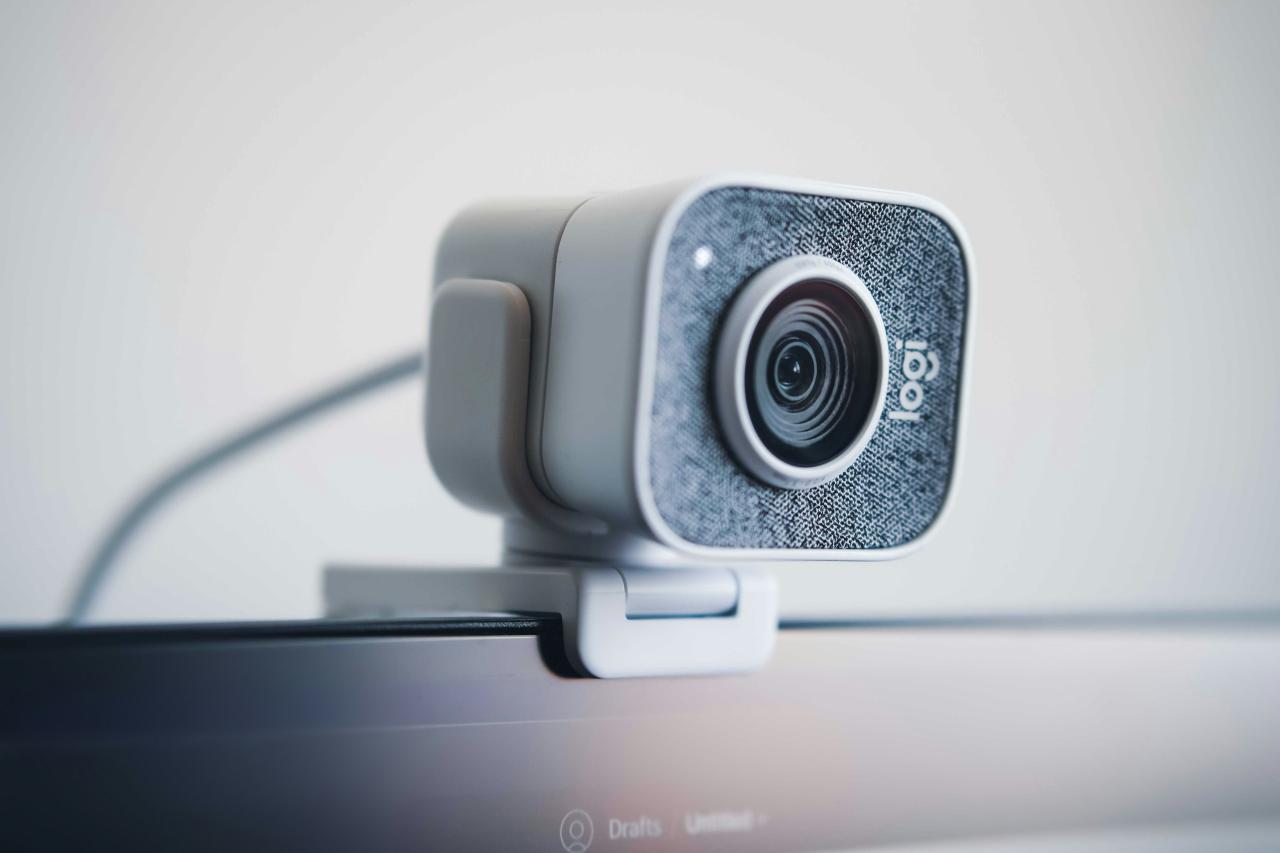
Investing in a pro-grade webcam is the most effective way to separate yourself from the millions of casual streamers who rely on basic laptop cameras. These advanced devices offer sophisticated features like 4K resolution, AI-powered tracking, and massive sensors that perform beautifully in dim room lighting.
By upgrading your video quality, you immediately signal to your audience that you are a serious professional who values their viewing experience. This comprehensive guide will explore the top-tier webcams currently dominating the market and the technical innovations that set them apart.
We will look into specific features like 60fps streaming, HDR support, and specialized software that gives you total control over your appearance. Let us dive into the technical foundations of elite streaming hardware to help you choose the best tool for your creative journey.
Exploring The Elite Tiers Of 4K Webcams
A. Unmatched Clarity With Ultra HD Resolution
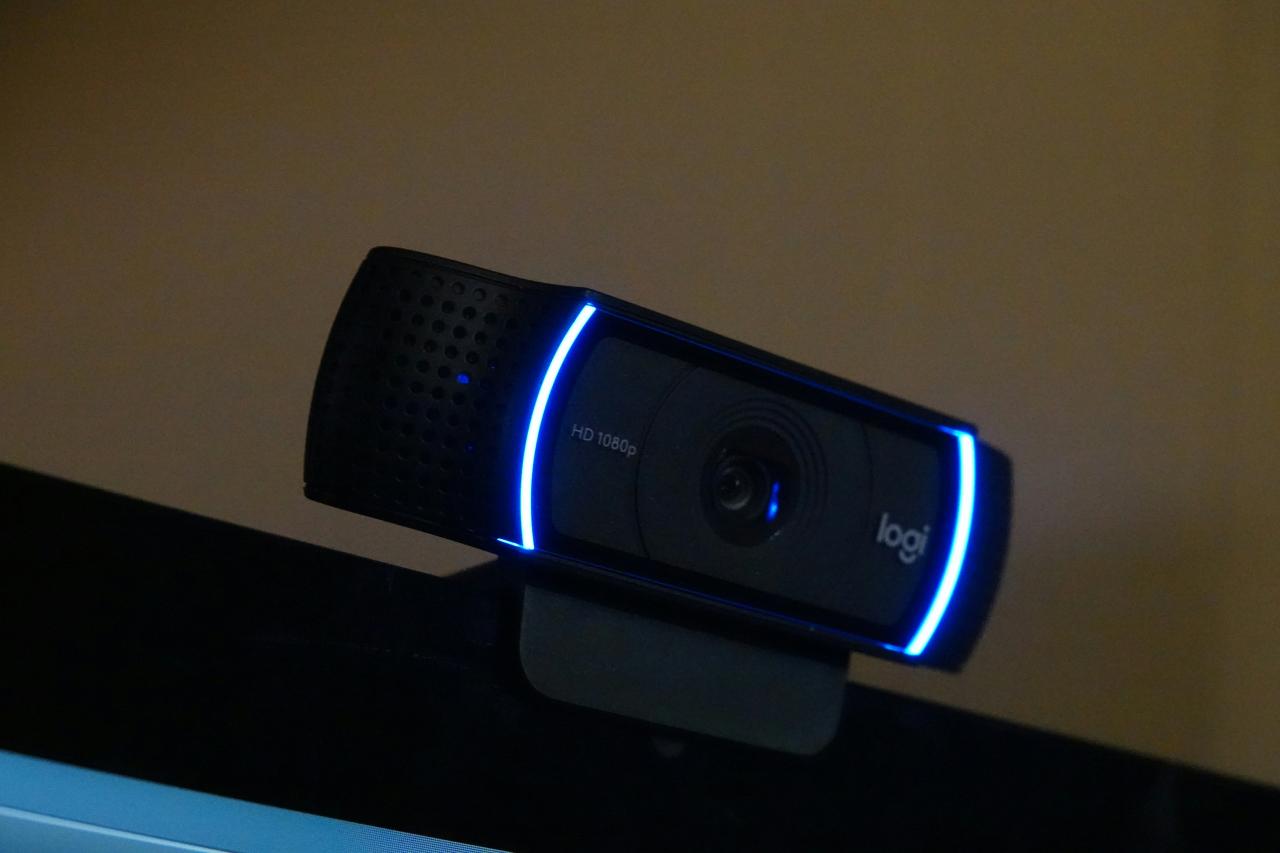
The transition to 4K resolution has redefined what creators expect from a simple USB camera, providing four times the pixel density of standard high definition. This extra detail allows you to crop or zoom into your frame during a live broadcast without losing significant image quality.
Many top-tier models, such as the Razer Kiyo Pro Ultra and the Insta360 Link 2 Pro, now utilize massive 1/1.2-inch or 1/1.3-inch sensors to capture stunning detail. These large sensors act like a DSLR camera, providing a natural background blur that makes you stand out from your environment.
Most streamers find that a 4K image adds a layer of professionalism that helps them secure better sponsorship deals and higher viewer retention.
I believe that 4K is no longer just a luxury but a vital tool for future-proofing your content as display technology continues to advance. This solves the problem of “pixelated” video that occurs when viewers watch your stream on large 4K monitors or televisions.
B. High Frame Rate For Silky Smooth Motion
While resolution is important, the frame rate is what determines the “feel” of your video and how well it matches your high-speed gameplay. Standard webcams often max out at 30 frames per second, which can look choppy when compared to a 60fps or 144fps game broadcast.
Pro-grade webcams like the Elgato Facecam Pro are among the few that can deliver 4K video at a true 60fps, ensuring your physical movements look fluid and natural. If you are an active streamer who moves around a lot or uses a lot of hand gestures, 60fps is a mandatory requirement for your setup.
It bridges the gap between your high-speed digital avatar and your real-world presence, creating a more immersive experience for your fans.
I suggest prioritizing frame rate over resolution if you play fast-paced action games to ensure your camera feed doesn’t look like a slideshow. This solves the “visual lag” problem that many creators face when their face-cam feels disconnected from their smooth gameplay.
C. AI Powered Tracking and Auto Framing
Artificial intelligence has introduced motorized gimbals and smart cropping that allow your webcam to follow you as you move across your room. Devices like the OBSBOT Tiny 3 use mechanical pan and tilt functions to keep you perfectly centered in the frame at all times.
This is especially useful for educators, fitness streamers, or creators who demonstrate products and need to move away from their desks. You can even use hand gestures to tell the camera to zoom in or start tracking, removing the need for a manual cameraman.
These AI features ensure that you stay the focus of the stream regardless of how much you shift in your seat or walk around.
I recommend an AI-powered gimbal webcam for anyone who finds themselves frequently “falling out of frame” during intense moments of a broadcast. This solves the problem of static, boring camera angles and adds a dynamic, professional feel to your production.
D. Advanced Low Light and HDR Performance
One of the biggest challenges for any streamer is maintaining a clear image when the sun goes down or when using a “moody” lighting setup. Pro webcams now feature High Dynamic Range (HDR) and Dual Native ISO to balance bright highlights and dark shadows simultaneously.
This prevents your face from looking “blown out” by your monitor glow while keeping the rest of your room from disappearing into total darkness.
The latest sensors from brands like Logitech and Razer are designed to minimize “noise” or graininess in dim environments, providing a clean image even without expensive studio lights.
Having a camera that handles light intelligently allows you to be more creative with your background aesthetics without sacrificing your own visibility.
I have found that a good HDR webcam can save you hundreds of dollars on professional lighting equipment by maximizing the light you already have. This solves the “grainy face” problem that ruins the professional look of many late-night streaming sessions.
Technical Features for Content Creators
A. Phase Detection Autofocus Precision
Traditional webcams often struggle with “focus hunting,” where the lens constantly moves back and forth trying to find your face. Professional models like the Insta360 Link 2 Pro use Phase Detection Autofocus (PDAF), the same technology found in high-end mirrorless cameras.
This ensures that the focus locks onto your eyes instantly and stays there, even if you move closer to the lens or hold up an object to show the camera. Fast and reliable focus is essential for streamers who do unboxings or detailed tutorials where clarity is the most important factor.
You never want your audience to be distracted by a blurry image while you are explaining something important or reacting to a big event. I suggest checking for PDAF in the specs to solve the “blurry unboxing” problem that frustrates so many tech and hobby streamers.
B. Uncompressed Video and Low Latency
Most basic webcams compress the video signal before sending it through the USB cable, which can lead to visual artifacts and a slight delay. Pro-grade webcams often provide an uncompressed YUV video stream that preserves the full color and detail of the original capture.
This results in a much sharper image that is easier to color-grade and process in streaming software like OBS or Streamlabs. Low latency is also critical for ensuring your lips remain perfectly synced with your audio during a fast conversation with your chat.
When the video and audio are perfectly aligned, the interaction feels much more natural and engaging for your viewers.
I recommend using a USB 3.0 or USB-C connection to maximize the bandwidth available for these high-quality uncompressed signals. This solves the “out-of-sync” problem that makes many streamers look like they are in a poorly dubbed movie.
C. Onboard Memory and Software Control
A professional webcam should allow you to save your brightness, contrast, and field-of-view settings directly onto the device itself. This “onboard memory” ensures that your camera looks exactly the same every time you plug it in, regardless of the computer you are using.
Advanced software suites like Elgato Camera Hub or Logitech G Hub give you “DSLR-like” control over your shutter speed, ISO, and white balance. You can manually lock these settings to prevent the camera from automatically changing your look when your room lighting shifts.
Having total control over your image allows you to create a consistent “signature look” that your fans will recognize across all your platforms. I believe that being able to lock your white balance is the secret to solving the “shifting skin tones” problem that happens when your monitor screen changes color.
D. Versatile Mounting and Portrait Mode
The way you mount your camera can drastically change the perspective of your stream, and pro webcams offer more flexibility than just a simple clip. Many now feature standard tripod threads and magnetic mounts that allow you to position the camera at the perfect height and angle for your desk.
Some models, like the OBSBOT Meet 2, even support native portrait mode for creators who primarily produce content for TikTok or Instagram Reels. Being able to flip your camera vertically without losing resolution is a massive advantage in the modern multi-platform landscape.
You can easily switch between a cinematic landscape view for YouTube and a vertical view for mobile-first social media. I suggest looking for a webcam with a detachable mount to solve the problem of “limited angles” that often makes your setup look cramped or awkward.
Audio Quality and Privacy Standards
A. Noise Canceling Microphone Arrays
While most serious streamers use a dedicated external microphone, a pro webcam should have a high-quality internal mic for emergencies or mobile setups. The latest models feature dual or triple microphone arrays with AI noise cancellation that filters out keyboard clicks and fan noise.
These mics can focus on your voice while ignoring the background sounds of your room, providing a clean audio backup if your main mic fails. For creators who travel and stream from hotels, having a reliable internal mic can be a life-saver for maintaining their broadcast schedule.
I recommend a webcam with “spatial audio” pickup if you plan to do any outdoor or mobile streaming where a desktop mic isn’t practical. This solves the “emergency silence” problem that occurs when your primary audio hardware has a technical glitch.
B. Physical Privacy Shutters and Indicators
In the digital age, privacy is a major concern for anyone who has a camera permanently pointed at their desk or bed. Pro-grade webcams almost always include a physical privacy shutter or a magnetic cover that you can close when the camera is not in use.
Some even have an “auto-sleep” function where the gimbal tilts the lens down to the base after a period of inactivity. Clear LED indicators are also essential to show you exactly when the camera is active and sending data to your computer.
Having a physical barrier provides a peace of-mind that software-only privacy toggles simply cannot match. I believe that a physical shutter is the only way to solve the “webcam anxiety” that many streamers feel during their private hours.
Conclusion
Upgrading to a pro-grade webcam is a transformative step for any serious content creator. It provides the visual foundation needed to build a professional and trusted brand. The technology in these devices has finally closed the gap with expensive DSLRs.
You should prioritize a camera that fits your specific movement and lighting needs. High resolution and frame rates ensure your stream looks great on any screen. AI features and smart software allow you to focus more on your performance.
Don’t let a blurry image be the reason your potential fans click away. The investment in high-quality video will pay off through increased viewer loyalty. Your face is the primary way your audience connects with your personality and story.
The digital landscape is crowded and quality is the best way to stand out. Take the time to master your camera settings and enjoy the professional results. Thank you for exploring the world of pro streaming webcams with us today.
May your video be sharp and your frame rates always remain silky smooth. The road to the top of the charts starts with a clear and bright broadcast. Enjoy the creative freedom that only an elite streaming camera can provide. Your journey toward becoming a top-tier creator begins with the very next frame.