Achieving elite status in competitive gaming requires more than just mechanical skill and a fast monitor. Most players ignore the most critical sensory input available to them which is high-fidelity spatial audio. When you play at a professional level, your ears act as a second pair of eyes that can see through walls and around corners.
Sound cues like the rustle of a bush, the click of a reload, or distant footsteps tell a story about your enemy’s position. Without a properly optimized audio setup, you are essentially playing half-blind and giving your opponents a massive tactical advantage.
Modern game engines use complex sound physics to simulate 3D environments, but you must know how to extract that data. This guide will teach you how to refine your audio settings and choose the right hardware to dominate the arena.
We will explore everything from software equalization to the physical properties of studio-grade headsets. Let us dive into the technical world of gaming audio to sharpen your senses and improve your reaction time.
Mastering In-Game Sound Settings for Clarity
A. Prioritizing SFX Volume Over Music
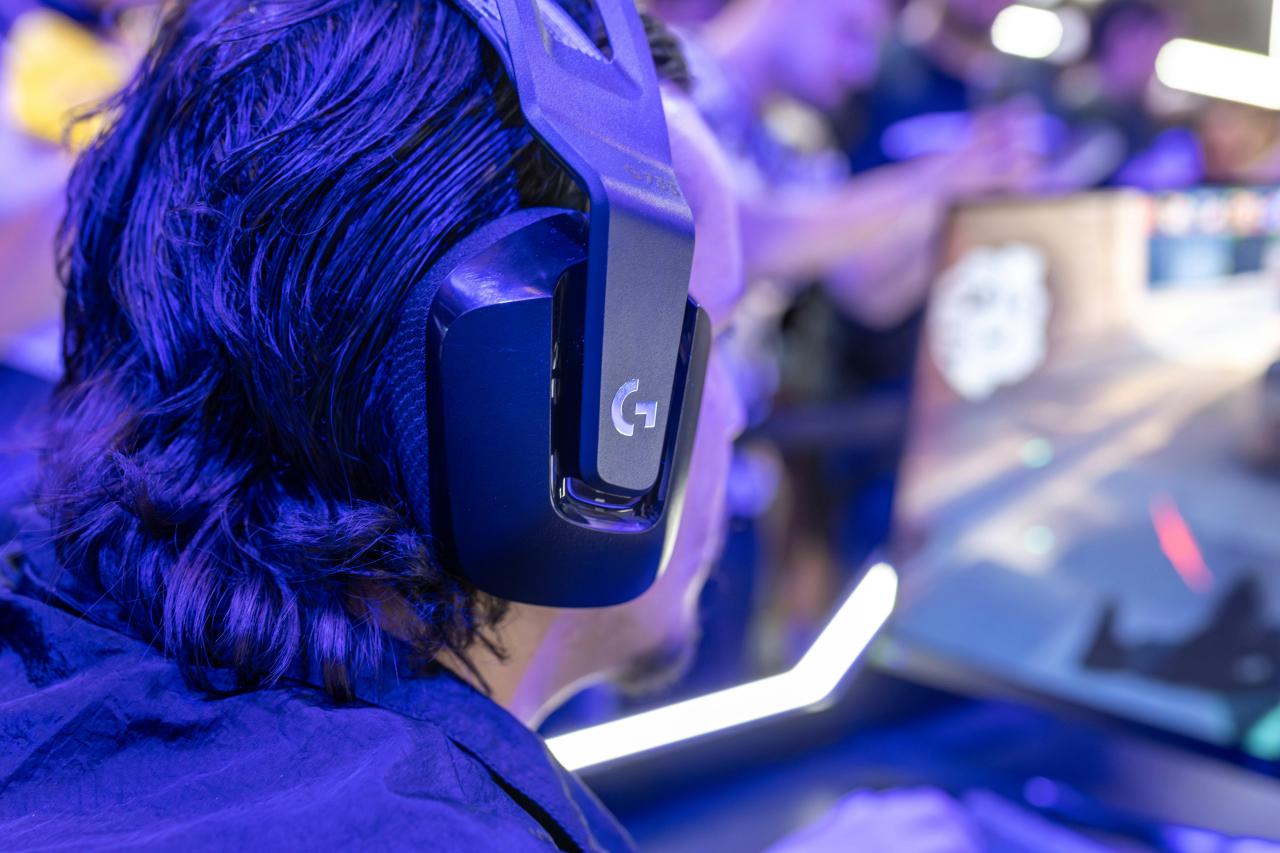
The first step to better awareness is cleaning up the acoustic clutter in your game menu. You should always turn the in-game music to zero or a very low level to avoid distractions during intense moments. Most games bundle footsteps and gunshots into the “SFX” or “Sound Effects” category, so keep this at maximum.
Environmental sounds like wind or birds can also mask vital cues, so lower those if the game allows it. Many players fail to hear enemies because their own game music drowns out the subtle sound of a flanking opponent.
I suggest you treat your audio like a tactical tool where only the most important sounds get your full attention. This simple adjustment solves the problem of “audio masking” where loud, useless noises hide the quiet, deadly ones.
B. Choosing Between Stereo and Surround Sound
There is a massive debate about whether to use stereo or virtual 7.1 surround sound for competitive play. Most professional players prefer high-quality stereo because it provides the most accurate and raw directional data.
Virtual surround sound often adds digital processing that can muffle footsteps or make distant sounds feel closer than they are. If your game has a built-in “HRTF” (Head-Related Transfer Function) setting, you should always enable it. This tech simulates how human ears actually hear 3D sound in the real world using only two speakers.
Experiment with both, but remember that clean stereo usually offers better “pinpoint” accuracy for locating hidden enemies. This choice solves the confusion of “bloated” audio that makes it hard to tell exactly where a shot came from.
C. Utilizing Loudness Equalization Features
Windows and some sound card drivers offer a feature called “Loudness Equalization” that balances the volume of all sounds. This makes quiet footsteps much louder while dampening the deafening roar of explosions and gunshots.
While it can slightly hurt your ability to judge distance, the gain in “hearing range” is usually worth the trade-off. You will be able to detect an enemy sprinting from much further away than your rivals can. It also protects your hearing by allowing you to play at a lower overall volume while still catching every detail.
I recommend using this if you find yourself constantly flinching at loud noises while struggling to hear walking enemies. This fix solves the “dynamic range” problem that often leads to permanent ear fatigue during long sessions.
D. Adjusting Sample Rates and Bit Depth
Your Windows sound settings allow you to change the quality of the audio signal sent to your headphones. You should set your format to 24-bit, 48000Hz (Studio Quality) for the best compatibility with modern game engines.
Higher sample rates like 96kHz or 192kHz can sometimes cause strange “aliasing” artifacts or even crash some older games. Stick to the standard studio quality to ensure your hardware is operating at its peak efficiency without unnecessary digital stress.
This setting ensures that you are hearing the game exactly as the sound designers intended in the studio. Proper bit depth settings solve the “digital hiss” or “crackle” that can occur with low-quality audio configurations.
Hardware Choices for Professional Grade Audio
A. The Case for Open Back Headphones
Most “gaming” headsets are closed-back, which means they trap air inside the earcups to boost the bass. Professional audiophiles prefer open-back headphones because they offer a much wider “soundstage” and better imaging.
An open-back design allows you to feel like the sound is coming from a specific point in a large room. This makes it much easier to tell if an enemy is ten feet away or fifty feet away. You will also experience less heat buildup around your ears, allowing for more comfortable gaming during long tournament runs.
If you feel like your current headset makes everything sound “inside your head,” switching to open-back will solve that claustrophobic feeling. It provides a more natural and accurate representation of the 3D space around your character.
B. Investing in a Dedicated DAC and Amp
Your motherboard’s built-in audio often suffers from electrical interference, which creates a background “buzz” or “static.” A dedicated Digital-to-Analog Converter (DAC) and an external amplifier provide a clean, powerful signal to your headphones.
This extra power allows your drivers to react faster to sudden sounds, which results in “sharper” and more distinct audio. You will hear the “click” of a mechanical trap or the “thud” of a jump with much more clarity and impact.
High-end headphones often require more power than a standard laptop or PC can provide to reach their full potential. Adding an external DAC solves the problem of “thin” or “weak” sound that lacks the detail needed for high-level play.
C. Evaluating Microphone Quality and Placement
Awareness is not just about what you hear, but also about how effectively you communicate with your team. A clear microphone ensures that your callouts are understood the first time without your teammates asking you to repeat yourself.
Use a pop filter to eliminate “plosive” sounds and keep the mic away from your nose to avoid breathing noises. Background noise cancellation software like Krisp or RTX Voice can also help keep your comms clean during a chaotic firefight.
Good communication solves the problem of “team confusion” and allows your squad to act on the audio data you collect. I suggest you prioritize a mic with a “natural” tone so your voice remains calm and clear under pressure.
D. The Importance of Earpad Material
The material of your earpads, whether leather, velour, or mesh, significantly changes the frequency response of your headset. Leather pads tend to boost the bass and offer more isolation, while mesh pads are more breathable and offer a brighter sound.
For competitive play, you want a balance that doesn’t let the bass “bleed” into the mids where footsteps usually reside. If your ears get too hot, you might lose focus, so consider “cooling gel” pads or breathable fabric.
Changing your earpads is the cheapest way to “tune” your audio signature to your personal preference. This solves the “comfort vs. performance” struggle that many players face with stock headset configurations.
Software Tuning and Equalization Tactics
A. Targeting Footstep Frequencies
Most footsteps in video games occupy the “high-mid” frequency range between 1kHz and 4kHz. Using an equalizer (EQ) to slightly boost this range can make enemy movements stand out against a busy background.
You can also lower the “low-end” bass frequencies (below 200Hz) to prevent explosions from shaking your eardrums and masking other sounds. Be careful not to boost too much, as this can make the audio sound “tinny” or harsh and cause ear fatigue.
I believe a subtle 3dB boost in the mids is all you need to gain a massive awareness advantage. This strategic EQing solves the problem of “muddy” audio where all the different sounds blend into one messy roar.
B. Using Professional Audio Profiles
Many modern gaming headsets come with software that includes “pro profiles” created by actual esports champions. These profiles are often tuned for specific games like Valorant, CS2, or Apex Legends to highlight critical audio cues.
If you are not an audio expert, using these presets is a great way to get a professional-grade sound immediately. You can always use these as a starting point and tweak them as you become more familiar with the game’s soundscape.
I suggest testing multiple profiles to see which one makes the “reload” sounds most distinct for your ears. This solves the “analysis paralysis” of trying to manually tune dozens of different frequency sliders yourself.
C. Disabling Redundant Audio Enhancements
Windows and many third-party apps often come with “enhancements” like Bass Boost, Room Correction, or Virtual Surround enabled by default. You should disable all of these to ensure you are getting a “flat” and honest signal from the game.
These enhancements often add latency and distortion that can ruin your ability to react to fast-paced audio cues. A clean and unproccessed signal is always the most reliable for competitive gaming where accuracy is everything.
Check your sound control panel regularly to make sure no updates have re-enabled these useless features. Disabling bloatware audio software solves the “input lag” and “audio stuttering” issues that plague many PC setups.
D. Testing Your Setup with Audio Benchmarks
You should regularly use “spatial audio” tests on YouTube or dedicated websites to ensure your left and right channels are perfectly balanced. Sometimes a loose cable or a driver bug can cause one ear to be slightly quieter, which will ruin your directional awareness.
These tests help you verify that your “imaging” is accurate and that sounds moving in a circle feel smooth and consistent. If a sound feels like it “jumps” from left to right instead of moving smoothly, you may have a hardware or software issue.
Consistent testing solves the “ghost footsteps” problem where you think an enemy is in one place but they are actually elsewhere.
Psychological and Physiological Awareness
A. Training Your Brain to Filter Noise
High-level awareness is a mental skill that involves filtering out “ambient noise” to focus on “tactical noise.” Your brain can be trained to ignore the sound of rain or distant gunfire to listen for the specific “clack” of a sniper rifle bolt.
This comes with time and intentional practice during your gaming sessions. Try playing a few matches where you focus exclusively on audio cues rather than your crosshair to sharpen this “mental filter.”
I believe that “audio-only” training is the fastest way to improve your overall game sense and prediction skills. This solves the “sensory overload” problem where you feel overwhelmed by the sheer amount of data during a match.
B. Maintaining Ear Health and Avoiding Fatigue
You cannot have good awareness if your ears are ringing or tired from excessive volume levels. Playing at a moderate volume and taking breaks every hour will keep your hearing sharp and prevent long-term damage.
Use “open-back” headphones if you find that “closed” designs cause a buildup of pressure that makes your head ache. High-frequency sounds are the first to go if you damage your hearing, and those are the very sounds used for footsteps.
Protecting your ears is a long-term investment in your competitive career that many young players ignore. Healthy ears solve the “muffled hearing” problem that can lead to missed cues and poor performance.
C. The Role of Sleep in Sensory Processing
Your brain processes and categorizes the sounds it hears during sleep, making you more efficient at recognizing them the next day. A tired brain has a much slower “audio-to-action” reaction time, which can cost you a duel even if you hear the enemy first.
Ensure you are getting at least seven to eight hours of quality sleep to keep your nervous system and your senses in peak condition.
Awareness is a biological process as much as a technical one, and a well-rested player is always more alert. Prioritizing rest solves the “slow reflex” problem that often ruins even the most expensive audio setups.
D. Staying Calm to Hear More Clearly
When you panic, your body enters “fight or flight” mode, which can actually cause “auditory exclusion” or temporary deafness to subtle sounds.
Staying calm and breathing deeply allows you to remain “receptive” to the audio environment even in high-stress situations. The best players are those who can hear a silent footstep even while their own heart is pounding in their ears.
Developing a “zen-like” focus will help you maintain your awareness during the final rounds of a major tournament. Mental calmness solves the “panic blindness” that causes many players to walk right into a hidden trap.
Conclusion
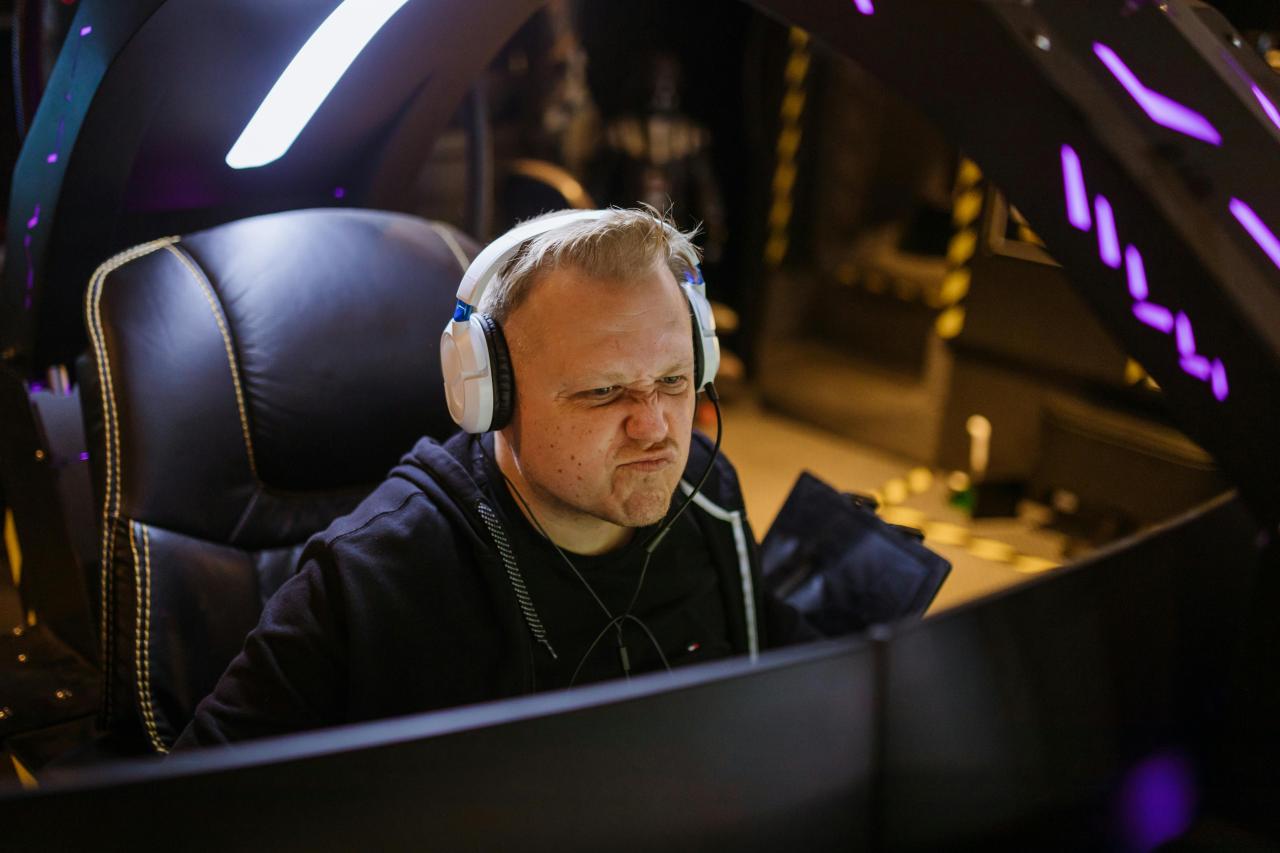
Mastering your audio is the ultimate “secret weapon” in the competitive gaming world. It turns the invisible into the visible and the unknown into the predictable. Every pro started by realizing that sound is just as important as sight.
You must invest in quality hardware and take the time to tune your software. Awareness is a skill that grows with every match you play and every cue you catch. Don’t let a poor audio setup be the reason you stay stuck in the lower ranks.
The digital arena is a 3D world and your ears are your best 3D sensors. Your journey to elite performance starts with the very next sound you hear. Stay focused on the details and the big wins will follow naturally.
The clarity of your sound defines the clarity of your strategic decisions. Thank you for exploring the world of pro audio awareness with us. May your comms be clear and your enemies always be heard.
The road to the championship is paved with high-fidelity footsteps. Enjoy the immersive and tactical advantage of a perfectly tuned audio setup. Your ears are now your greatest asset on the road to global glory. Level up your hearing and you will inevitably level up your game.