Investing in elite gaming hardware is a fundamental requirement for anyone serious about climbing the ranks in the competitive e-sports arena. For many decades, casual players believed that skill alone could overcome any technical limitation or slow hardware response time.
This traditional mindset often ignored the reality of input lag and low refresh rates that put players at a severe disadvantage against better-equipped opponents. However, the emergence of high-frequency monitors and ultra-lightweight peripherals now allows for a level of precision that was previously impossible to achieve.
This transition represents a monumental shift from standard office setups to specialized machines designed for peak human performance and reaction speed. We are entering an era where milliseconds literally mean the difference between a legendary victory and a frustrating defeat on the digital battlefield.
This innovation in hardware addresses the critical challenge of hardware-induced bottlenecks by synchronizing your physical movements perfectly with the on-screen action.
By integrating high-end optical sensors with mechanical switches, you can push your reflexes to their absolute limits and stay ahead of the curve. This article explores the most effective and proven gear choices to elevate your playstyle and how you can optimize your setup for total dominance.
The Power of High-Refresh Rate Gaming Monitors
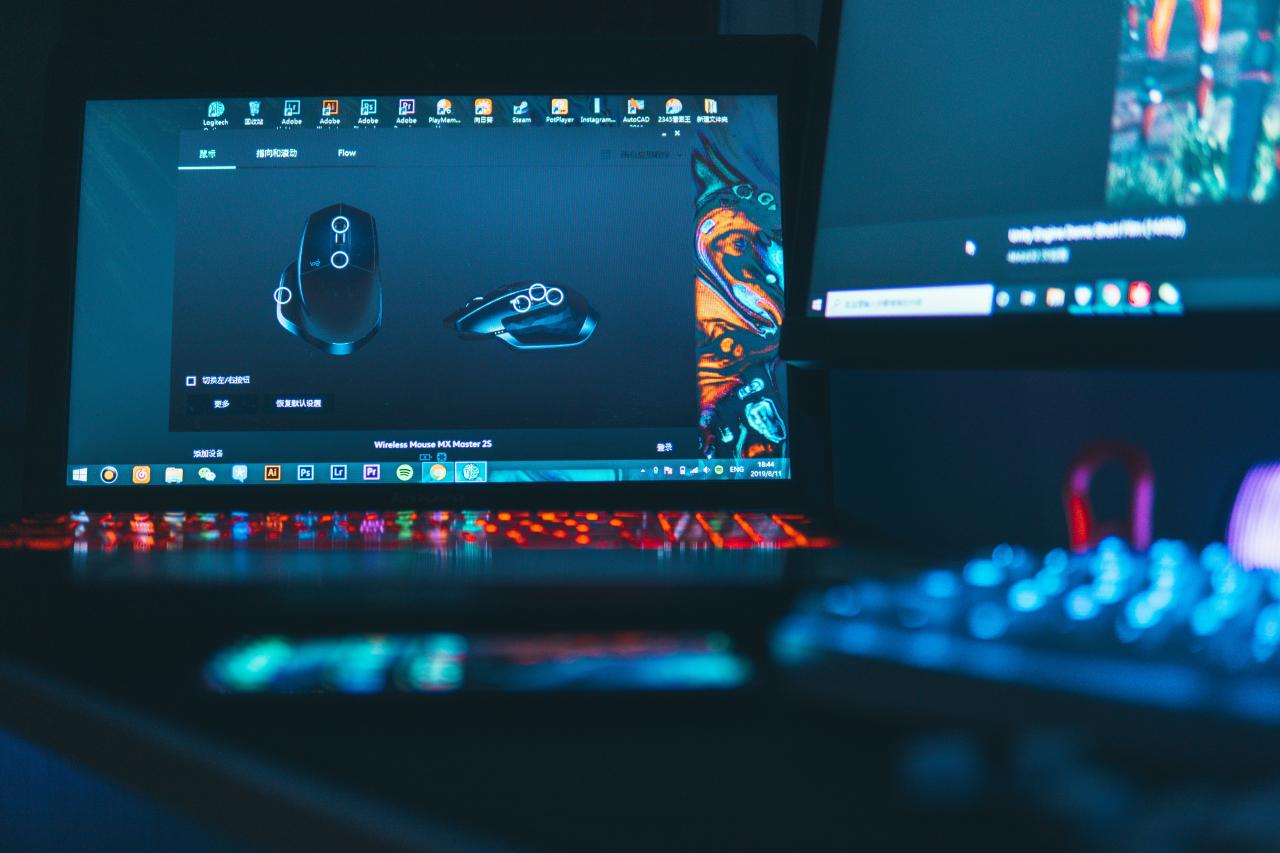
The monitor acts as the primary window into the virtual world, and its speed determines how quickly you can react to enemy movement. Standard displays often suffer from motion blur and ghosting, which can hide critical details during high-speed combat scenarios.
I believe that “visual fluidness” is the most important factor for maintaining consistent aim in fast-paced shooters or racing games. You solve the problem of choppy visuals by switching to a monitor with at least 240Hz or 360Hz to see every frame of animation clearly.
This perspective turns your screen into a real-time tracking tool that allows your eyes to follow targets with much greater ease and accuracy.
A. Understanding Response Time and Input Lag
Lower response times reduce the trail left by moving objects, ensuring that the image remains sharp even during rapid camera turns.
Input lag measures the delay between your mouse click and the action on the screen, so you must choose a panel with low latency. This ensures that your mechanical skill is not held back by slow electronics that cannot keep up with your fast hands.
B. The Debate Between TN, IPS, and OLED Panels
TN panels traditionally offered the fastest speeds, but modern IPS and OLED technology now provide incredible colors and wide viewing angles without sacrificing performance.
OLED monitors offer near-instantaneous response times and deep blacks, which can help you spot enemies hiding in dark corners much faster. Choosing the right panel type allows you to balance competitive speed with a beautiful visual experience that makes every game look stunning.
C. Sync Technology: G-Sync and FreeSync
Variable refresh rate technology synchronizes your monitor with your graphics card to prevent screen tearing and stuttering during intense battles.
This creates a smooth and consistent experience that prevents visual distractions from ruining your focus during a critical moment in a match. It provides a stable foundation for your aim, ensuring that every frame is delivered perfectly to your eyes without any lag or distortion.
Mechanical Keyboards and Precision Switches
Your keyboard is the control center for your movement and ability usage, so every keypress must be reliable and instantaneous. Standard membrane keyboards often feel mushy and can fail to register multiple keys at once, which is a disaster in high-stakes gaming.
My new perspective is that “actuation customization” allows you to tailor your gear to the specific needs of different game genres.
You solve the problem of accidental keypresses or slow response times by selecting the exact weight and travel distance that fits your fingers. This perspective transforms your keyboard into a custom-tuned instrument that responds perfectly to every command you give it during a session.
A. Linear, Tactile, and Clicky Switch Varieties
Linear switches provide a smooth, consistent press that is ideal for rapid movement in games like Fortnite or Counter-Strike.
Tactile switches offer a small “bump” that lets you know exactly when the key registers, which is perfect for typing and complex strategy games. Clicky switches provide an audible sound that some players enjoy for the sensory feedback, though they can be quite loud during late-night gaming sessions.
B. Optical and Magnetic Switch Innovations
Newer magnetic switches allow you to adjust the actuation point, meaning you can make the keys respond to the slightest touch or a deep press.
Optical switches use light instead of metal contact to register a press, which significantly reduces wear and increases the lifespan of your keyboard. These technologies provide a level of durability and speed that traditional mechanical switches simply cannot match in the long run.
C. Form Factors: Full-Size, TKL, and 60% Boards
Tenkeyless (TKL) and 60% keyboards remove the number pad to give your mouse more room to move across your desk. This extra space is vital for low-sensitivity players who need to make large, sweeping movements to track their targets accurately.
Choosing a smaller form factor also makes your setup more portable, allowing you to bring your preferred gear to local tournaments or friend’s houses.
Finding the Perfect Ultra-Lightweight Gaming Mouse
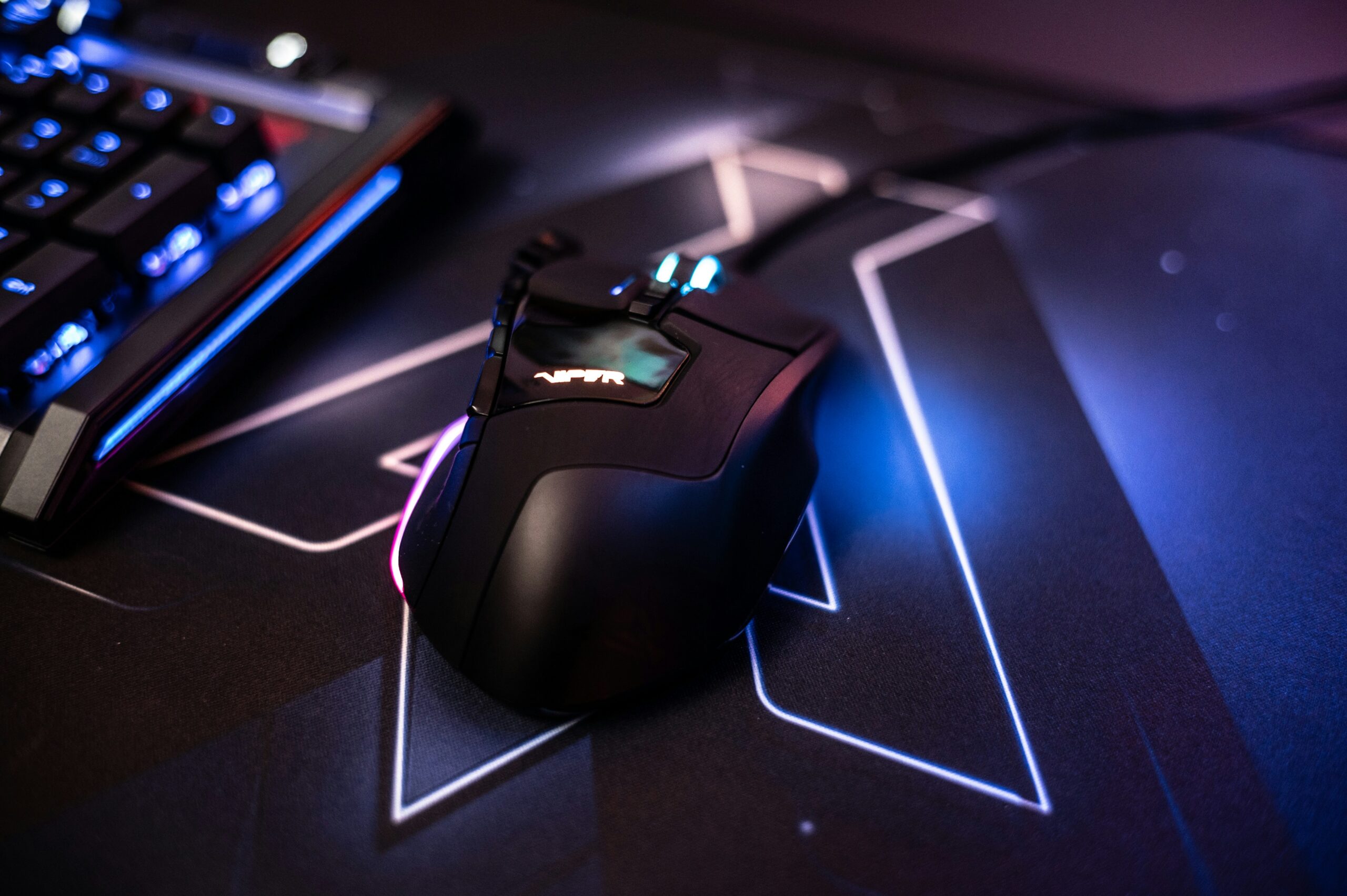
The mouse is perhaps the most personal piece of hardware because it must fit your hand size and your specific grip style perfectly. Heavy mice can cause wrist fatigue and make it harder to make those tiny, pixel-perfect adjustments needed for headshots.
I suggest that “weight reduction” is the ultimate goal for any player who wants to achieve maximum agility and long-term comfort. You solve the problem of sluggish aiming by choosing a mouse that weighs under 60 grams and features a high-performance optical sensor.
This perspective turns your mouse into a natural extension of your arm, allowing for “flick shots” that feel intuitive and completely effortless.
A. Optical Sensor Precision and DPI Settings
Modern sensors provide flawless tracking with zero acceleration, meaning the cursor moves exactly where you move your hand every time. Higher DPI settings allow for faster cursor movement, but most professional players stick to lower settings for better control and consistency.
Having a sensor that can handle high speeds and high acceleration ensures that your aim stays true even during the most chaotic moments.
B. Grip Styles: Palm, Claw, and Fingertip
The shape of the mouse should complement how you naturally hold it, whether you rest your whole hand on it or just your fingertips.
A mouse that is too big or too small for your grip will lead to discomfort and poor performance over several hours of play. Testing different shapes is the only way to find the one that gives you the best combination of comfort and lethal accuracy in-game.
C. Wireless Latency and Battery Life Improvements
Modern wireless technology is now just as fast as wired connections, removing the annoying “cable drag” that can pull on your mouse.
Fast-charging batteries and power-efficient sensors mean you can play for weeks on a single charge without worrying about your mouse dying mid-game. This freedom of movement is a game-changer for players who use large mousepads and low-sensitivity settings to win their matches.
High-Fidelity Audio and Spatial Awareness
Sound is just as important as sight in competitive gaming because it tells you exactly where your enemies are before you even see them. A high-quality headset provides a wide soundstage that allows you to hear footsteps, reloads, and distant gunfire with pinpoint accuracy.
My perspective is that “audio positioning” is the ultimate wallhack that is completely legal and highly effective in every tactical shooter.
You solve the problem of being surprised by flankers by using spatial audio technology to create a 360-degree map of the sounds around you. This perspective gives you the confidence to hold corners and push into buildings because you already know exactly what is waiting on the other side.
A. Drivers and Frequency Response Range
Larger drivers can produce deeper bass and clearer highs, making it easier to distinguish between different types of in-game sounds.
A balanced frequency response ensures that explosions don’t drown out the subtle sound of an enemy walking on wood or metal surfaces nearby. This clarity allows you to process more information at once, giving you a significant strategic advantage over players with cheap or muddy-sounding headphones.
B. Open-Back Versus Closed-Back Designs
Open-back headphones provide a more natural and spacious sound that helps with depth perception and long-term comfort during play.
Closed-back designs offer superior passive noise isolation, which is essential if you play in a loud environment or at a crowded e-sports venue. Choosing the right design depends on where you play and how much you need to block out the distractions of the physical world around you.
C. Microphone Quality and Noise Cancellation
Clear communication with your teammates is the key to winning team-based games like Valorant or League of Legends. A high-quality microphone filters out background noise like keyboard clicks and PC fans, ensuring your voice comes through loud and clear.
This prevents misunderstandings and allows your team to coordinate complex strategies and “call-outs” with perfect efficiency during intense moments.
Optimizing Your PC Components for Stable FPS
Even the best peripherals won’t help if your PC is stuttering or dropping frames during heavy action sequences. Your CPU and GPU must work together to provide a high and stable “frames per second” (FPS) count that matches your monitor’s refresh rate.
I believe that “system stability” is the silent partner in every professional gamer’s success story. You solve the problem of performance drops by investing in high-speed RAM and efficient cooling systems that prevent thermal throttling during long sessions.
This perspective ensures that your computer stays fast and responsive, providing a smooth experience that lets your true skill shine through without any technical hiccups.
A. GPU Power and VRAM Requirements
The graphics card is responsible for drawing every frame, so it must have enough power to handle high-resolution textures and complex lighting.
More VRAM allows you to play modern games at higher settings without hitting a performance wall that causes stuttering or crashes. This investment keeps your system relevant for many years, even as games become more demanding and visually complex.
B. CPU Clock Speeds and Core Counts
Modern e-sports titles are often “CPU-bound,” meaning a faster processor can significantly boost your minimum FPS and reduce input lag.
Having multiple cores also allows you to stream your gameplay or run background apps like Discord without affecting your in-game performance. It acts as the brain of your setup, managing every calculation and communication between your hardware and the game software itself.
C. Fast NVMe Storage and Quick Load Times
Solid-state drives (SSD) have replaced old hard drives because they allow games to load in seconds rather than minutes. An NVMe drive also reduces “texture pop-in” and ensures that the game world feels seamless as you move through different environments.
This speed keeps you in the action longer and reduces the frustration of waiting in loading screens between matches or levels.
Ergonomics and Longevity for Pro Gamers
Competitive gaming is physically demanding on your body, and poor posture can lead to long-term injuries that end your career early. Investing in an ergonomic chair and a height-adjustable desk protects your spine, neck, and wrists from the strain of long hours at the computer.
My new perspective is that “physical maintenance” is just as important as hardware maintenance for any professional athlete. You solve the problem of repetitive strain injuries by building a setup that supports your natural body alignment and encourages healthy movement.
This perspective ensures that you can play at your peak for many decades without suffering from chronic pain or fatigue that ruins your focus and your fun.
A. Lumbar Support and Adjustable Armrests
A chair that supports the natural curve of your lower back prevents slouching and reduces the pressure on your spinal discs.
Adjustable armrests allow you to keep your elbows at a 90-degree angle, which takes the weight off your shoulders and prevents tension headaches. These small adjustments make a massive difference in how you feel at the end of an eight-hour gaming marathon or work day.
B. Monitor Arms and Eye-Level Alignment
Using a monitor arm allows you to position your screen exactly at eye level, preventing you from tilting your head down and straining your neck.
This “neutral” position keeps your airway open and your muscles relaxed, allowing for better blood flow and mental clarity during high-pressure games. It also clears up valuable desk space, giving your setup a clean and professional look that is free from unnecessary clutter and mess.
C. Mousepads and Wrist Support Solutions
Large cloth mousepads provide a consistent surface for your sensor and a soft cushion for your palm and wrist as you move. Some players prefer a hard surface for maximum speed, while others like the “stopping power” of a thicker cloth pad for better control.
Finding the right surface helps you maintain consistent aim and prevents the skin irritation that can come from rubbing your arm against a rough desk surface.
Conclusion
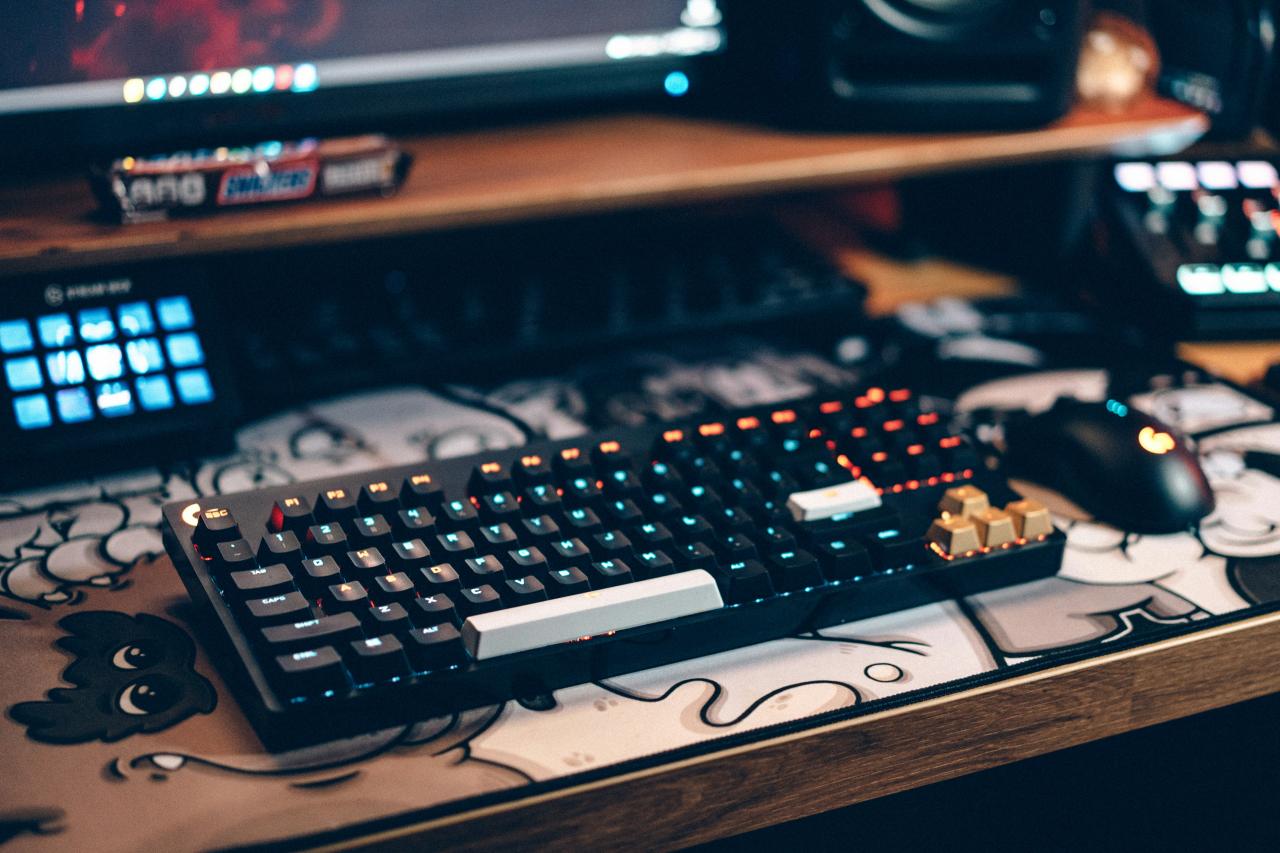
Pro gaming hardware is the best and only way to reach your true peak. You must choose a high speed monitor to see every single move of your enemy. Mechanical switches provide a clear and very fast click for every one of your actions.
An ultra light mouse makes your aim feel very natural and also very light today. You solve your lag problems by picking the right and best gear for you. High quality audio acts as a legal and very strong shield against every flanker.
Ergonomic chairs keep your body safe and also happy for many long years of play. A fast PC ensures that your frame rate stays very high and also very stable. Investing in your gear is a major victory for every and each serious player.
Innovation in the gaming world helps you win every and each hard battle today. Every single new mouse or keyboard is a step toward a much better future. The best time to upgrade your old and manual gaming setup is right now.
Support your skill by treating your hardware like a professional and high value tool. Stay curious about new tech to keep your gaming setup at the very edge. The journey to total and final gaming dominance starts with one single and smart step.